Cybersecurity: 24/7/365

Cybersecurity: 24/7/365
4MEDNET delivers managed IT, cybersecurity, HIPAA compliance, and AI automation solutions built exclusively for healthcare practices.



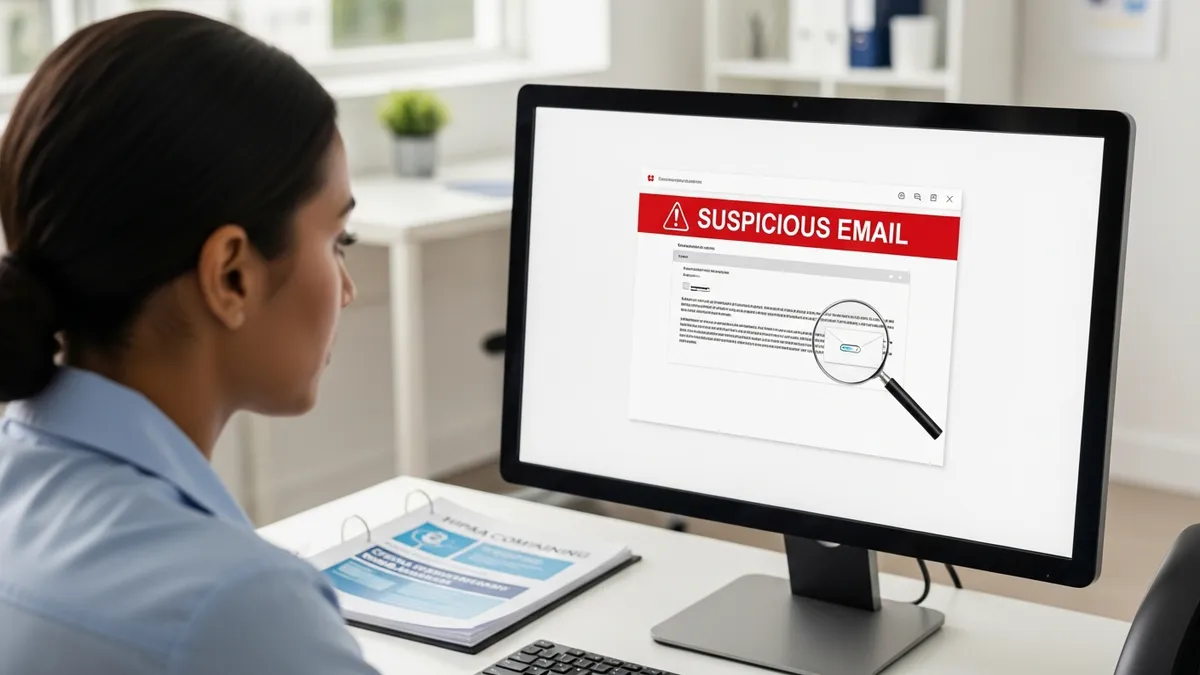
A medical assistant at a cardiology practice receives an email that looks like it is from the EHR vendor: "Your account has been locked due to unusual activity. Click here to verify your credentials." She clicks the link, enters her username and password, and goes back to charting. Within four hours, attackers use her credentials to access 12,000 patient records. The practice discovers the breach three weeks later when a patient calls about a suspicious credit monitoring notice.
That single click cost the practice $340,000 in breach notification, forensic investigation, legal fees, and regulatory penalties. The phishing email took less than a minute to send.
Phishing is the number one attack vector in healthcare. In 2024, phishing accounted for over 90% of initial breach vectors in healthcare organizations. And healthcare employees click phishing links at a higher rate than any other industry — 34.3% before training, compared to the cross-industry average of 32.4%. The reason: medical staff are busy, stressed, and trained to respond quickly to urgent requests. Attackers exploit exactly that instinct.
Healthcare records sell for $250 to $1,000 each on the dark web — far more than credit card numbers ($5-$10) or Social Security numbers ($1-$5). A single patient record contains names, dates of birth, Social Security numbers, insurance information, medical histories, and billing data. That data cannot be changed like a credit card number — it is useful to criminals for years.
Related: see social engineering attacks on medical offices.
Attackers know that small medical practices have:
The result: healthcare organizations are 2-3 times more likely to be targeted by phishing campaigns than organizations in other sectors.
1. Email phishing (most common). Mass emails impersonating trusted entities — EHR vendors, insurance companies, medical suppliers, or government agencies. Subject lines create urgency: "Your HIPAA certification expires tomorrow," "Urgent: Patient complaint requires response," or "Invoice #38291 past due — action required." The email contains a link to a fake login page or a malicious attachment.
2. Spear phishing (most dangerous). Targeted emails crafted for specific individuals. The attacker researches the practice online — staff names from the website, vendors from job postings, the practice management system from LinkedIn profiles. The email may reference real patients, real vendors, or real internal processes. "Dr. Martinez, the lab results for the patient you referred on Tuesday are attached" is far more convincing than a generic phishing blast.
3. Vishing (voice phishing). Phone calls impersonating IT support, software vendors, or insurance companies. "This is tech support from [EHR vendor]. We detected suspicious activity on your account. Can you verify your login credentials so we can secure it?" Vishing attacks target front desk and billing staff who are accustomed to handling vendor calls.
4. Smishing (SMS phishing). Text messages with malicious links, often impersonating delivery services, banks, or healthcare organizations. "Your drug shipment was delayed. Track status: [link]." Staff who receive work-related texts may not apply the same skepticism they would to email.
5. Business email compromise (BEC). The attacker compromises or impersonates a real email account — often the practice owner or office manager. They send emails to billing staff requesting wire transfers, payroll changes, or patient data. "This is Dr. Chen. I need you to send the patient ledger for last quarter to this new accountant. It is urgent — do it before end of day." BEC attacks caused $2.9 billion in losses in 2023, according to the FBI's IC3 report.
Give your staff a quick, memorable method for evaluating every suspicious email. SLAM takes 15 seconds and catches most phishing attempts:
S — Sender. Check the sender's email address — not just the display name. A phishing email may show "Epic Systems" as the display name, but the actual address is "support@ep1c-system.com." Hover over the sender's name to reveal the true address. If the domain does not match the legitimate company, stop.
L — Links. Hover over every link before clicking. The displayed text may say "Login to MyChart" but the URL points to a completely different domain. Check for misspellings, extra characters, or suspicious domains. If you are unsure, go directly to the vendor's website by typing the URL yourself — do not click the email link.
A — Attachments. Do not open unexpected attachments, even if they appear to come from a known sender. Malicious files often disguise themselves with familiar extensions (.pdf, .xlsx, .docx) but contain embedded macros or malware. If you did not expect an attachment, verify with the sender through a separate communication channel before opening it.
M — Message. Read the message critically. Does it create artificial urgency ("Act now or your account will be locked")? Does it request sensitive information (passwords, patient data, financial details)? Does it contain grammar or spelling errors unusual for the supposed sender? Does it ask you to bypass normal procedures ("Do not tell anyone about this request")? Any of these signals should trigger verification through a separate channel.
Print the SLAM acronym on a card and tape it to every workstation in your practice. When it is visible, staff use it. When it is out of sight, they forget.
Awareness training alone reduces click rates by about 20%. Simulated phishing exercises reduce click rates by 75% or more. The data is overwhelming: practices that run monthly phishing simulations see click rates drop from 34% to under 5% within 12 months.
Here is how simulated phishing works:
The key to effective simulations: start easy and increase difficulty. Month one might use obvious phishing indicators (misspelled sender, generic greeting, suspicious URL). By month six, the simulations should mimic real spear phishing — using the practice name, referencing real vendors, and creating plausible scenarios that require careful reading to catch.
KnowBe4 ($1-$3/user/month): The market leader with the largest phishing template library (17,000+). Includes healthcare-specific templates that mimic EHR vendors, insurance companies, and medical supply companies. Features automated campaigns, "teachable moment" training, risk scoring per user, and compliance reporting. Good for practices of any size.
Proofpoint Security Awareness ($2-$4/user/month): Strong phishing simulations combined with threat intelligence — simulations reflect actual phishing campaigns currently targeting healthcare. Includes adaptive learning that adjusts difficulty based on each user's performance. Particularly strong for practices that use Microsoft 365.
Infosec IQ / Curricula ($1-$2/user/month): Focus on engaging, story-driven training content that staff actually remember. Less extensive template library than KnowBe4 but higher completion rates due to better content design. Good for practices where staff engagement with training has been a problem.
HIPAA Secure Now (bundled with compliance): Combines phishing simulations with broader HIPAA compliance management. Includes risk assessments, policy templates, and training tracking alongside phishing exercises. Good for practices that need phishing training and HIPAA compliance management in one platform.
For a 10-person practice, expect to spend $10-$40/month for a simulation platform. Many managed IT providers include phishing simulation as part of their service agreement — ask yours if it is included.
Days 1-14: Foundation.
Days 15-30: Initial training.
Days 31-60: Monthly simulations begin.
Days 61-90: Refinement.
After 90 days, continue monthly simulations indefinitely. Phishing awareness is not a destination — it is a muscle that atrophies without regular exercise. Practices that stop simulations see click rates climb back toward baseline within 6 months.
Training alone is not enough. Pair your phishing program with technical controls that catch what humans miss:
Email filtering. Deploy email security that scans incoming messages for malicious links, attachments, and impersonation indicators. Microsoft Defender for Office 365 (included with Business Premium), Proofpoint Essentials, and Mimecast are popular options for small practices. These catch 90-95% of phishing emails before they reach inboxes.
DMARC, DKIM, and SPF. Configure these email authentication protocols for your practice domain. They prevent attackers from sending emails that appear to come from your domain — protecting both your staff and your patients from impersonation attacks. Your IT provider should configure all three.
Multi-factor authentication. Even if an employee clicks a phishing link and enters their credentials, MFA stops the attacker from logging in. MFA blocks 99.9% of account compromise attacks, according to Microsoft. It is the single most effective control against credential phishing.
Phishing report button. Install a one-click phishing report button in your email client (KnowBe4's Phish Alert Button, Microsoft's Report Message, or Proofpoint's report button). When staff suspect a phishing email, they click the button to report it directly to IT or the simulation platform. This transforms your staff from targets into sensors — an active defense layer.
Zero trust access controls. Limit the damage a compromised account can cause. Even if an attacker gains one employee's credentials, least privilege access and network segmentation prevent them from reaching systems beyond that employee's role.
Track these metrics monthly to gauge your program's effectiveness:
Creating a punitive culture around phishing is counterproductive. If staff fear punishment for clicking a link, they will not report real incidents — and delayed reporting is what turns a phishing click into a full breach.
Instead, build a "report-first" culture:
The goal is a practice where every employee thinks of themselves as part of the security team — not afraid of it.
Phishing is the most common way healthcare practices get breached, and staff training is the most effective defense. A $20-$40/month phishing simulation program can prevent breaches that cost hundreds of thousands of dollars. Combined with technical security controls and a "report-first" culture, your staff becomes your strongest security asset instead of your biggest vulnerability.
Start with a baseline simulation this week. You need to know your current click rate before you can improve it. Then build a 90-day program that combines awareness training with monthly simulations. Within three months, your staff will be catching phishing emails that would have compromised your practice a quarter ago.
Book a free IT assessment to evaluate your email security, run a baseline phishing simulation, and build a training program that protects your practice. Explore our cybersecurity services and managed IT plans to see how phishing protection fits into comprehensive healthcare security.
Ready to take the next step? Explore our healthcare IT services, book a free consultation, or compare our plans.


Managed IT, cybersecurity, HIPAA compliance, and AI automation for healthcare practices. We keep your technology secure so you can focus on patient care.

4MEDNET.COM - Copyright 2026. All rights reserved.