Cybersecurity: 24/7/365

Cybersecurity: 24/7/365
4MEDNET delivers managed IT, cybersecurity, HIPAA compliance, and AI automation solutions built exclusively for healthcare practices.



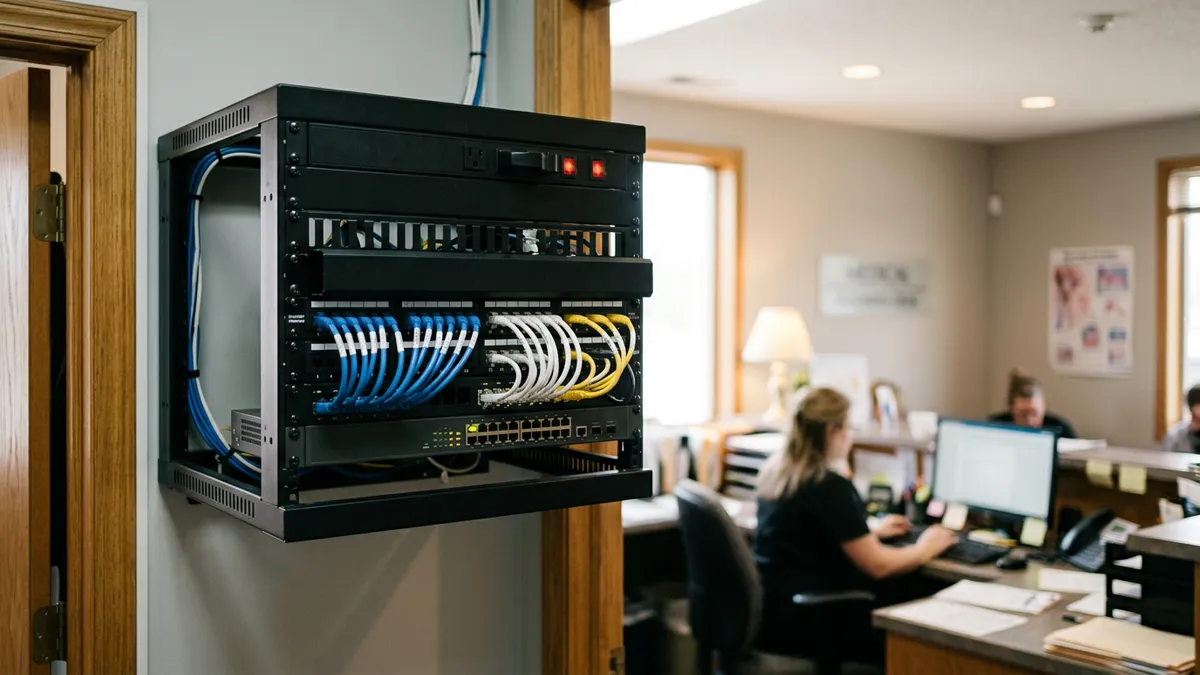
Count the screens your front desk opens to check in one patient. The EHR, the clearinghouse portal for eligibility, the lab portal for last week's results, a fax queue for the referral, maybe an imaging viewer. Each holds part of the same patient's story, and staff copy between them by hand.
That copying is the problem healthcare data integration solves. It breaks down data silos so the same facts are available across different systems, in time to help patient care. This guide explains what integration means for a small practice, the data flows that matter most, the tools that connect them, and how to decide where to start.
Healthcare data integration is the work of moving patient data between systems automatically, in a form each system can use. The goal is that information entered once shows up everywhere it is needed, without retyping.
For a hospital or large healthcare organization, that can mean dozens of systems and a data warehouse. For a small practice it usually means connecting the EHR to a handful of outside data sources: labs, payers, referral partners, imaging and patient apps.
HIMSS describes healthcare interoperability in four levels. They are a useful way to see why "connected" systems can still fail to share data.
A common integration failure sits at the semantic level. The lab result arrives, but the test code does not match the EHR's list, so it lands in an inbox for someone to file.
Labs typically exchange orders and results as HL7 v2 messages. A working lab interface sends orders from the EHR and files results back into the chart, matched to the right patient and order.
National labs usually offer these interfaces. Local and hospital labs vary, and some still send results by fax or portal only.
Referrals move between practices as faxes, Direct secure messages or C-CDA documents. Admission and discharge alerts often come from a health information exchange (HIE). According to ASTP/ONC's national survey, 96% of HIEs receive HL7 v2 ADT messages.
If faxed referrals are your bottleneck, our guide to AI fax referral processing covers how to turn them into structured data.
Billing data flows through clearinghouses using the HIPAA transaction standards: X12 270/271 for eligibility, 837 for claims and 835 for payment remittances. Your practice management system probably handles these already.
The integration gap is usually prior authorization, which still runs on portals and phone calls. Our post on the CMS prior authorization API rule explains what changes for payers on January 1, 2027.
Imaging uses DICOM, a separate standard from the rest of healthcare data. Connecting an imaging system or picture archive to the EHR usually means linking reports and images to the right patient, not copying the images themselves.
Intake forms, scheduling tools and remote monitoring apps all need to read or write EHR data. Modern EHRs expose FHIR APIs for this. In 2024, 70% of hospitals had standards-based FHIR patient-access APIs, according to ASTP/ONC.
Our explainer on FHIR versus HL7 covers which standard fits which job, and our SMART on FHIR guide covers apps that launch from inside the EHR.
Quality reporting, payer contracts and your own planning all need data from multiple sources in one place. For a small practice, this is often a scheduled export into a reporting database rather than a full data warehouse.
Not every data flow needs real-time data. A lab result or an admission alert should arrive within minutes. A nightly file of payments or a weekly quality report can move in batches.
Deciding this per use case keeps costs down. Real-time interfaces need monitoring and fast error handling. Batch data exchange is simpler and fails more gracefully.
Older practice management and billing systems often predate modern APIs. They may only export flat files or print reports. Integrating them means translating those data formats into something the EHR can read.
Sometimes the better answer is to retire the legacy system and move its historical data into the EHR or an archive. Plan for data access to those old records before you switch anything off.
There are five common integration tools. You will likely end up using two or three of them.
Data quality issues cause many integration challenges, and moving bad data faster does not help. Before connecting systems, look at data quality in the systems you already have.
Simple data governance helps here: who owns each data source, who fixes errors, and how long data is kept. Our record retention guide covers the retention side.
Every connection is another path to patient data. Each one needs encryption in transit, authentication between systems, and logging of what moved and when.
Every vendor in the chain that touches protected health information also needs a Business Associate Agreement. That includes the interface engine host, the integration platform and any developer with access.
Do not start with an integration platform. Start with the data flow that costs your staff the most time each week.
One working interface with a named owner beats a platform that connects everything badly. Our guide to EHR integration costs gives the price ranges for each type of connection.
Built-in interfaces are usually a vendor ticket. Custom connections, interface engine migrations and multi-system projects benefit from someone who has done the work before.
Our EHR integration practice scopes and builds these connections for practices and groups, starting with the one flow that pays off first.
Ready to take the next step? Explore our healthcare IT services, book a free consultation, or compare our plans.




Managed IT, cybersecurity, HIPAA compliance, and AI automation for healthcare practices. We keep your technology secure so you can focus on patient care.

4MEDNET.COM - Copyright 2026. All rights reserved.