Cybersecurity: 24/7/365

Cybersecurity: 24/7/365
4MEDNET delivers managed IT, cybersecurity, HIPAA compliance, and AI automation solutions built exclusively for healthcare practices.



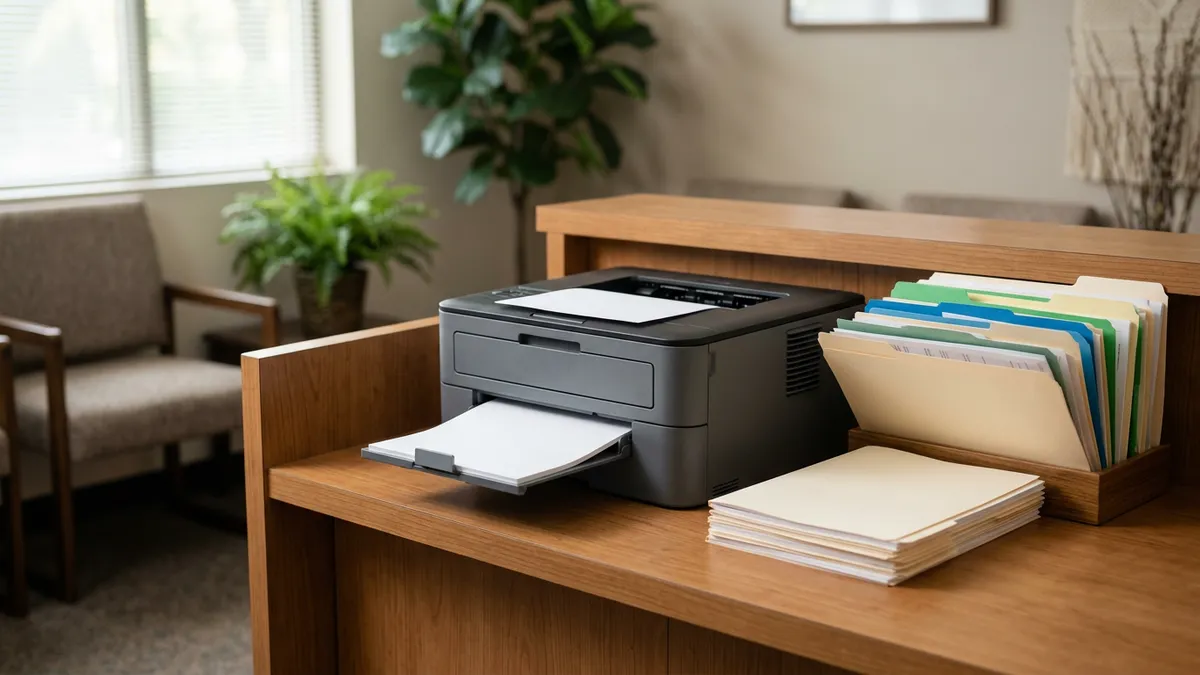
Monday morning, the fax queue holds forty pages. A referral from a family physician, two lab results, a records request from an attorney, a prior authorization reply and a pharmacy refill request. Someone opens each one, works out what it is, finds the patient, renames the file and attaches it to the chart.
That work is a near-perfect job for AI document processing. It is repetitive, rule-driven and high-volume, and a mistake is caught by a person before it does harm. This guide covers what AI fax processing does, where it falls short, and whether to buy a product or build your own.
Medical fax automation is four steps that staff do today by hand, for every inbound fax that reaches your fax number. Software now does the first pass of each.
Older OCR could do step one and little else. What changed is classification and extraction. Language models now understand that a page headed "Consultation request" with a reason for visit is a referral. They manage it even when every sender lays the page out differently.
Typed, cleanly scanned forms work well. Referral packets, lab reports and standard prior authorization responses are the easiest wins.
Handwriting, poor scans and multi-patient documents are harder. A stack of records for three family members, or a referral written on a prescription pad, will still need a person.
The real risk is a wrong patient match. A lab result filed to the wrong chart is a clinical safety problem and a privacy incident at once. Every system worth using matches on at least two identifiers, such as name and date of birth, and sends anything uncertain to a review queue instead of guessing.
Treat the review queue as part of the product. At the start, have staff confirm every document before it is filed. Loosen that only for document types the system has handled correctly for weeks.
Volume decides it. A practice that receives a handful of faxes a day gains little; one that processes dozens gains back real hours.
If your fax volume is already low because you moved to a HIPAA-compliant online fax service, check whether that vendor now offers AI sorting. Several do, and it may be a setting rather than a new purchase. Retiring the physical fax machine and automating the queue are separate steps; you can do the first without the second.
For a small healthcare organization, buying is the right first step. Cloud fax vendors now bundle document AI with EHR integration. Some products sit on top of the fax line you already have, so you keep receiving faxes on the same number. Honey Health, Documo and Updox are examples of the category, not recommendations.
Ask every vendor the same questions before you sign:
Our guide to whether AI is HIPAA compliant covers how to judge the answers to the data questions.
A custom build makes sense when the products do not fit: unusual document types, routing rules specific to your practice, or more than one system to file into. It is also the route when your EHR lacks an integration the products support.
The building blocks are mature. Amazon Textract has been HIPAA eligible since 2019, and Microsoft Azure and Google Cloud offer comparable document services. Whichever you use, confirm the specific service is covered by that provider's BAA before any real document goes through it.
A typical build has four parts. A fax intake receives documents, an OCR and classification step reads them, staff check them on a review screen, and a connection writes results into the EHR. That last piece is usually the hardest, and our healthcare API integration guide explains why.
A focused document tool sits in the lowest band of custom work. Our breakdown of custom healthcare software development cost puts single-workflow tools at $15,000 to $40,000, with the EHR connection the biggest variable.
Automating the fax queue does not change your obligations. It changes where they apply.
This is the same discipline that makes any automation project work, and it is the sequence our guide to implementing AI agents follows. Inbound documents are a natural companion to automated patient intake: one handles what patients send, the other handles what everyone else sends.
If you would rather have it set up for you, our AI automation services configure fax processing with your EHR. When an off-the-shelf product does not fit, our custom healthcare software team builds the document pipeline.
Ready to take the next step? Explore our healthcare IT services, book a free consultation, or compare our plans.






Managed IT, cybersecurity, HIPAA compliance, and AI automation for healthcare practices. We keep your technology secure so you can focus on patient care.

4MEDNET.COM - Copyright 2026. All rights reserved.