Cybersecurity: 24/7/365

Cybersecurity: 24/7/365
4MEDNET delivers managed IT, cybersecurity, HIPAA compliance, and AI automation solutions built exclusively for healthcare practices.



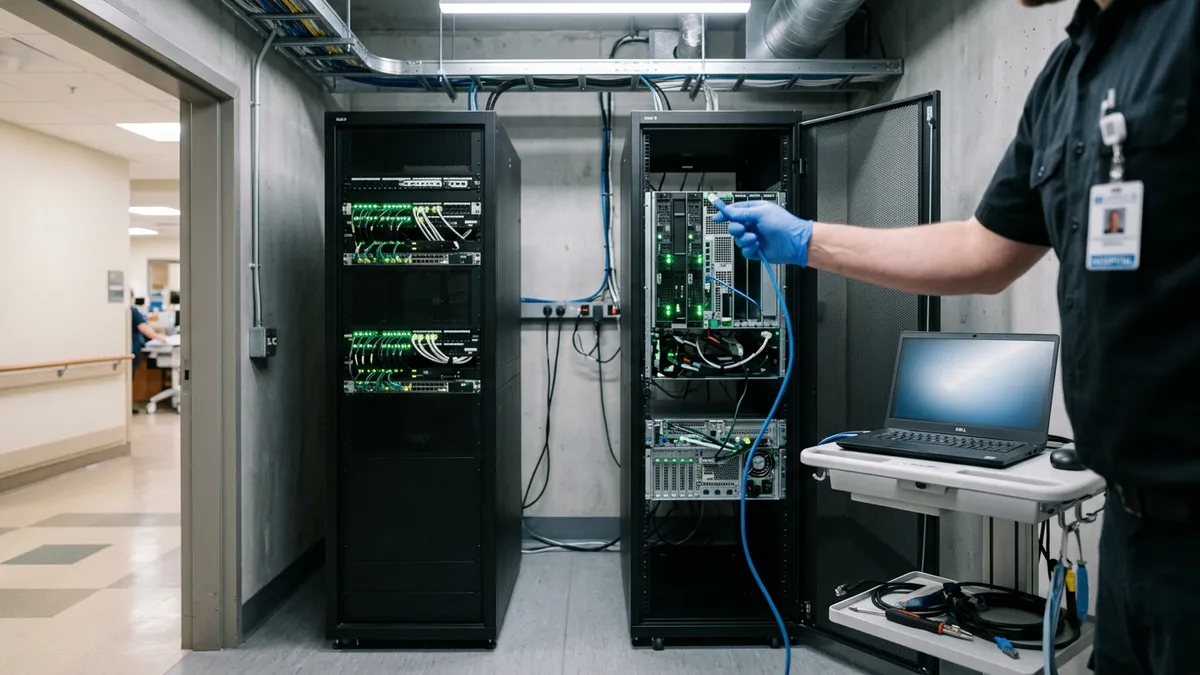
On September 10, 2026, a security researcher disclosed three high-severity flaws in Mirth Connect. Two of them can be reached without logging in, through an ordinary channel. The researcher confirmed that Mirth Connect 4.5.2, the last open-source release, is affected. NextGen's fixes ship only in its commercial versions.
If your interfaces still run on 4.5.2, staying put is no longer a neutral choice. This guide covers how to move a Mirth Connect install to Eclipse Open Integration Engine (OIE): what carries over, what breaks, and a step-by-step plan with a rollback at every stage.
If you are still deciding which engine to move to, start with our comparison of Mirth Connect alternatives. This post assumes you have chosen OIE.
Mirth Connect became commercial-only at version 4.6, announced by NextGen Healthcare on March 19, 2025. Version 4.5.2, released in September 2024, still runs, but no open-source fix has followed it. Our guide to Mirth Connect licensing covers what a commercial license costs and includes.
The September 2026 disclosures change the risk. According to the researcher's write-up, they are:
Mirth has been a target before. CVE-2023-43208, an unauthenticated remote code execution flaw in versions before 4.4.1, was added to the CISA Known Exploited Vulnerabilities catalog on May 20, 2024. An integration engine holds credentials for your EHR, labs and billing systems, so a flaw in it is a flaw in all of them.
OIE 4.7.0, released October 21, 2026, fixes all three engine flaws plus 45 CVEs in bundled components. The project calls it generally available and recommended for production use.
OIE is the open source healthcare integration engine that continues where Mirth Connect 4.5.2 stopped. It is a fork released under the Mozilla Public License 2.0, and it keeps the data exchange your healthcare interoperability depends on running without a license fee. It started in March 2025 and became an Eclipse Foundation incubation project on September 7, 2026.
Under the hood it is still Mirth. The configuration file is still mirth.properties, the log is still mirth.log, and the Java packages still start with com.mirth.connect. The database schema and its upgrade chain are inherited too. Its first technical preview described itself as "functionally identical" to Mirth Connect 4.5.2 and a drop-in replacement.
One trap: OIE and NextGen now use the same version numbers for different products. OIE 4.7.0 is not Mirth Connect 4.7. When you read a security advisory, check which product the version number refers to.
NextGen's licensed extensions are not part of OIE, and there is no statement that they run on it. Community plugins fill some gaps. They are listed on the OIE plugins page, but they are not part of the Eclipse project itself.
| Commercial Mirth extension | Community option for OIE |
|---|---|
| SSL Manager | TLS Manager |
| User Authorization | Role Based Access Control plugin |
| Channel History | Channel & Code Template History plugin |
| Advanced Alerting | Community alerting plugins; check fit before relying on one |
| LDAP, FHIR Connector, Interoperability Connector Suite | No direct replacement found; treat as a blocker to resolve before migrating |
Plugins must match the engine version they were built for. An extension compiled for one Mirth version should not be expected to load on OIE.
Most channels move without edits. These changes in OIE 4.6 and 4.7 are where problems hide:
org.apache.xerces must move to the standard javax.xml classes.selectLimit setting is ignored. Channels that relied on it to throttle reads need another approach.oiecommand.There is no official Mirth-to-OIE migration guide yet. The plan below is our own, built from the OIE release notes and from how any clinical interface change should be run: in parallel, with a way back.
List every channel with its source, destination, message type and the owner on the other end. Add code templates, global scripts, alerts, users, installed extensions and custom libraries. Note the database backend, the Java version and every certificate in the keystore.
Also list anything that talks to Mirth from outside: monitoring, scripts that call its API, and firewall rules. These are the pieces that break quietly after a cutover.
Back up the database and the appdata, conf, extensions and custom-lib directories. Export a full server configuration backup from the Administrator, plus each channel and code template library. Our backup and recovery guide covers why a backup only counts once you have restored it.
Restore a copy of the production database onto a separate server, then install OIE 4.7.0 against it. Never point a new engine at the production database first. Watch mirth.log during the first startup; the schema upgrade runs then.
Work through startup errors, extensions that fail to load and channels that will not deploy. Check every channel that uses XSLT, XML batch processing, SQL Server or custom Java code against the breaking changes above.
Send the same messages through the old and new engines and compare the outputs message by message. Use a de-identified or test data set where you can, and keep the comparison on systems covered by your Business Associate Agreements.
There is no official comparison tool for this. Plan to script it, and include edge cases: large messages, unusual characters, ACK and error handling.
Run the service under its own account, install access control if more than one person uses the Administrator, and set up TLS for every exposed listener. Turn on monitoring for queued and errored messages.
Move a low-risk feed first, then the rest in order of risk. For each one, agree a rollback: stop the channel on OIE and restart it on the old engine. Keep the old server installed but stopped until every feed has run cleanly for a full business cycle, including month-end billing.
OIE gives security fixes to the current minor version only. Subscribe to the project's releases and budget a small upgrade every few months. An engine you never patch becomes the same problem as end-of-life software anywhere else.
A handful of standard HL7 v2 interfaces on 4.5.2, with no commercial extensions, can move in days of work spread over a few weeks of parallel running. Custom Java, SQL Server certificate work, Derby-to-PostgreSQL moves and commercial extensions each add time. Our guide to integration costs gives ranges for the interface work itself.
The OIE community runs a Discord server, GitHub issues and discussions, and a developer mailing list. Security reports go to the Eclipse Foundation. The project's site also lists commercial support vendors, which it does not endorse.
Whoever supports your engine touches your patient data, so treat them like any other vendor. Our vendor risk management guide covers the review.
Our HL7 integration team moves Mirth Connect installs to Open Integration Engine. We inventory your channels, rebuild what does not carry over, run both engines in parallel and compare every message before anything is switched over.
Ready to take the next step? Explore our healthcare IT services, book a free consultation, or compare our plans.







Managed IT, cybersecurity, HIPAA compliance, and AI automation for healthcare practices. We keep your technology secure so you can focus on patient care.

4MEDNET.COM - Copyright 2026. All rights reserved.