Cybersecurity: 24/7/365

Cybersecurity: 24/7/365
4MEDNET delivers managed IT, cybersecurity, HIPAA compliance, and AI automation solutions built exclusively for healthcare practices.



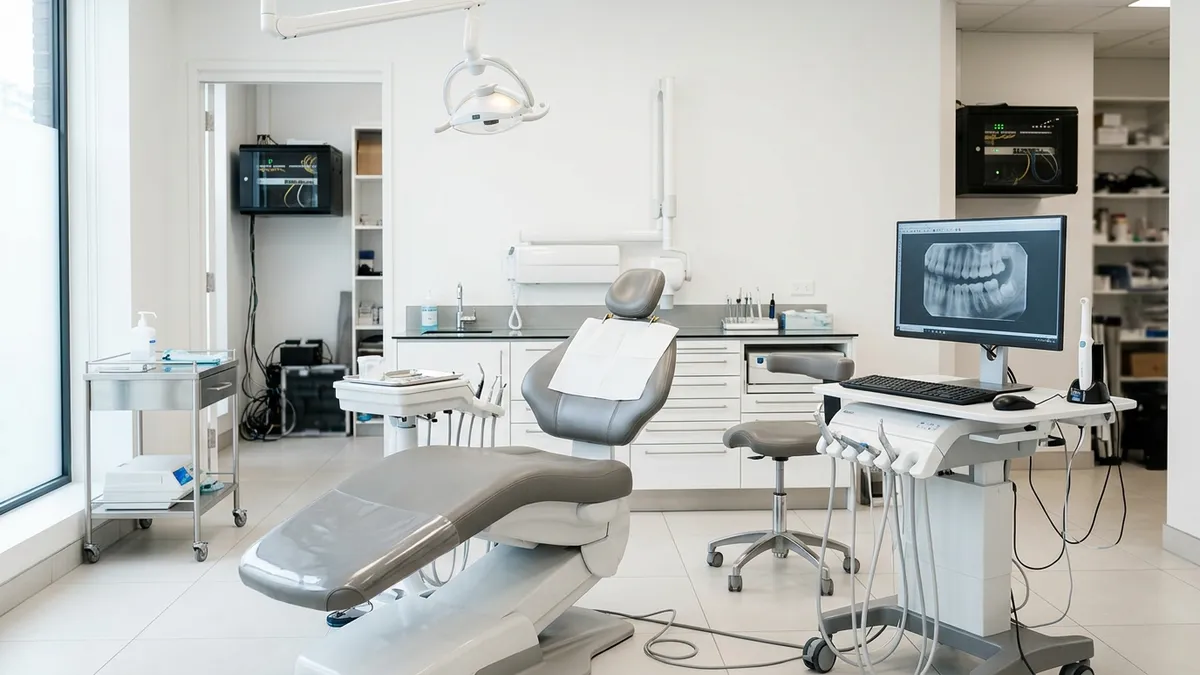
In late August 2019, roughly 400 dental practices opened for the day and could not reach their patient records. The attackers had not broken into any of those offices. They had hit the company that managed the cloud behind the practices' backup service, then used that access to push ransomware to hundreds of its clients at once.
The service those dentists paid for to recover from a disaster became the disaster. That story shows how cybersecurity works for a dental practice now. The weak point is often outside your walls, and the fix is a short list of controls most offices can put in place this year.
Dental offices hold exactly what cybercriminals want: patient data with names, birth dates, insurance details and often payment information. That identifiable information sells well and fuels identity theft for years.
Dental practices also tend to run lean. There is rarely a full-time IT person, and the practice management server may sit in a closet nobody checks. A hacker does not need to beat a security team when there isn't one.
A dental office looks like any small business until you count the equipment. Three things set dental IT apart, and each one creates its own vulnerability.
The threats themselves are the same ones every small healthcare office faces. The difference is how easily they reach a busy front desk.
Our guide to protecting patient data from ransomware covers the attack in depth. For a dental office, the priority is the order you close these doors.
These cybersecurity best practices are ranked by how much risk each one removes for the money. Your IT provider can complete most of them within a few weeks.
Not every data breach involves a hacker. Some of the costliest HIPAA mistakes in dentistry happen in public, in reply to an unhappy online review.
The Office for Civil Rights has penalized several dental practices for answering reviews with patient details:
OCR's director put it plainly: "Providers cannot disclose protected health information of their patients when responding to negative online reviews." Confirming that someone is a patient is itself a disclosure.
The safe response is short and generic. Thank the reviewer, say privacy rules stop you from discussing care online, and invite them to call the office. Write that reply once, get it approved, and make it the only one staff may post.
The controls are the same, but the exposure scales differently. A single-location office has one network, one server and one person who knows where everything is. When that person is out, security usually stops.
Group practices and dental service organizations (DSOs) share systems across locations. That makes one weak office a path into every other one. Our guide to multi-location practice IT covers how to standardize security across sites.
For most offices, yes. A single ransomware incident can mean days without scheduling, imaging or billing, plus the cost of restoring data and notifying patients.
Expect insurers to ask detailed questions before they quote. They will want to know about MFA, backups, endpoint protection and your incident response plan. The fix-first list above is close to what underwriters check.
Doing it first improves your security and your odds of getting coverage on reasonable terms. Our cyber insurance buyer's guide explains what to look for in a policy.
The American Dental Association publishes cybersecurity guidance for member practices. State dental associations, such as the California Dental Association (CDA), offer toolkits too.
Guidance only helps if someone owns the work. If nobody in your office has time to protect your practice day to day, our cybersecurity services handle it for small dental and medical offices.
Ready to take the next step? Explore our healthcare IT services, book a free consultation, or compare our plans.



Managed IT, cybersecurity, HIPAA compliance, and AI automation for healthcare practices. We keep your technology secure so you can focus on patient care.

4MEDNET.COM - Copyright 2026. All rights reserved.